
Your sales and customer
contact: mapped and
measurable.
See where sales activity is concentrated, where contact is lacking, and where field effort needs attention. The Pulse combines map-based visibility with live data tables, so managers can spot patterns across territories, reps and time periods without pulling reports together manually.
Watch a one-minute demo →


Build your own birdseye view
Cumulative and Period-Based Views
Switch between the overall picture and specific time periods to see whether performance is part of a longer pattern or a recent shift.

Customisable Map
Show or hide the layers you need, so the map stays focused on the accounts, areas and activity that matter most.

Seamless Export
Export maps and tables separately for reporting, planning, or sharing outside the platform.

Real-Time Sync
As filters change, the map and data tables update together instantly, so the full picture stays aligned.


See the map, then drill deeper
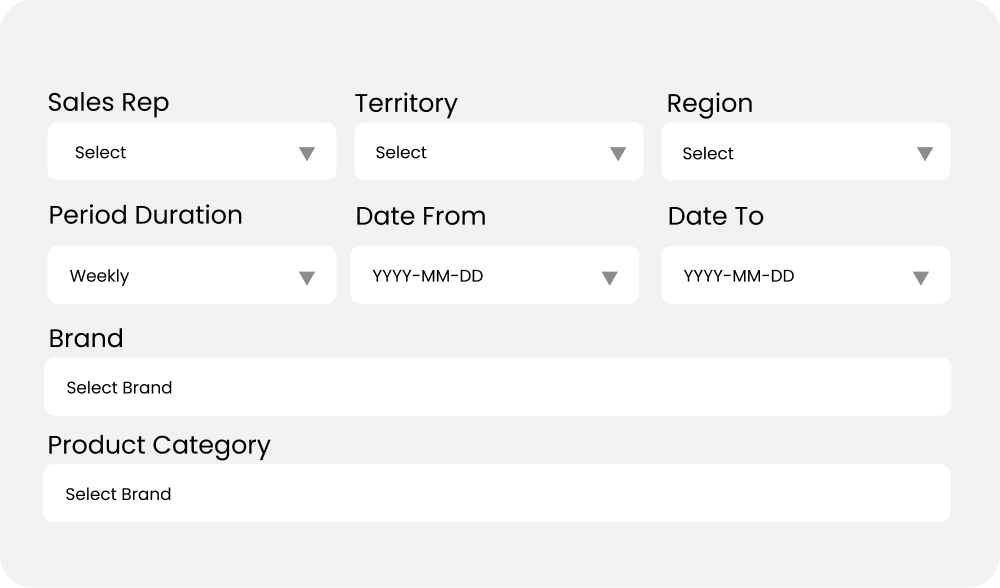
The Pulse lets you filter by time period, region, territory, or rep, then move from the map into supporting tables for a clearer breakdown of what is happening underneath the surface.

Integrated Map and Data Tables
The Pulse and its accompanying data tables are fully integrated. Adjust any filter or selection on the map, and the data tables and charts update instantly. This seamless integration ensures your sales performance data stays aligned, providing real-time, accurate insights without any extra effort.

Made for management
The Pulse helps sales managers see which areas are underperforming, where customer contact is thin, and where follow-up or coaching may be needed.
Use the heat map and linked data tables to spot territory issues earlier, understand what sits behind them, and take more targeted action.